User guide
How Turns Out works
Share where you’ll be with your friends, find out when your paths cross, and plan the trip in one place.
01
Add a trip
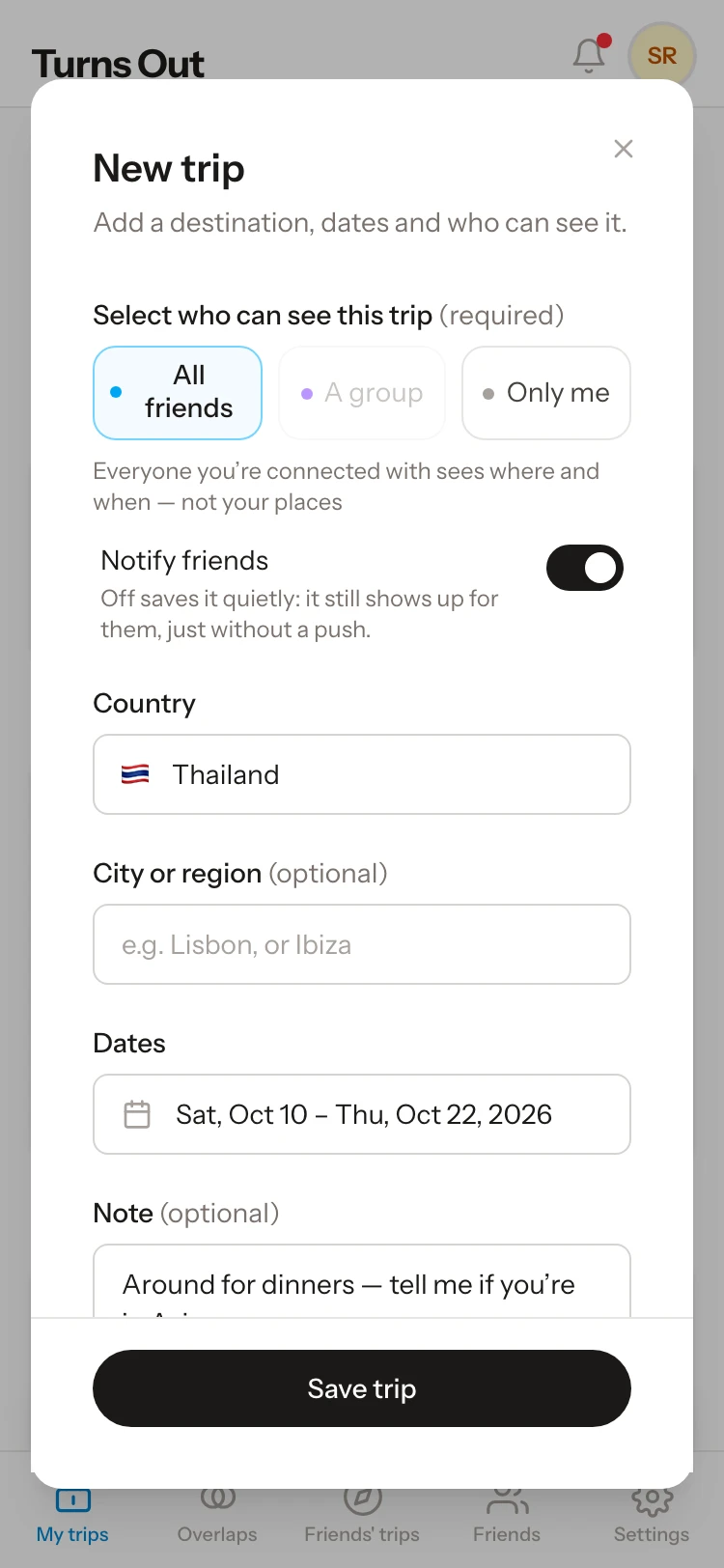
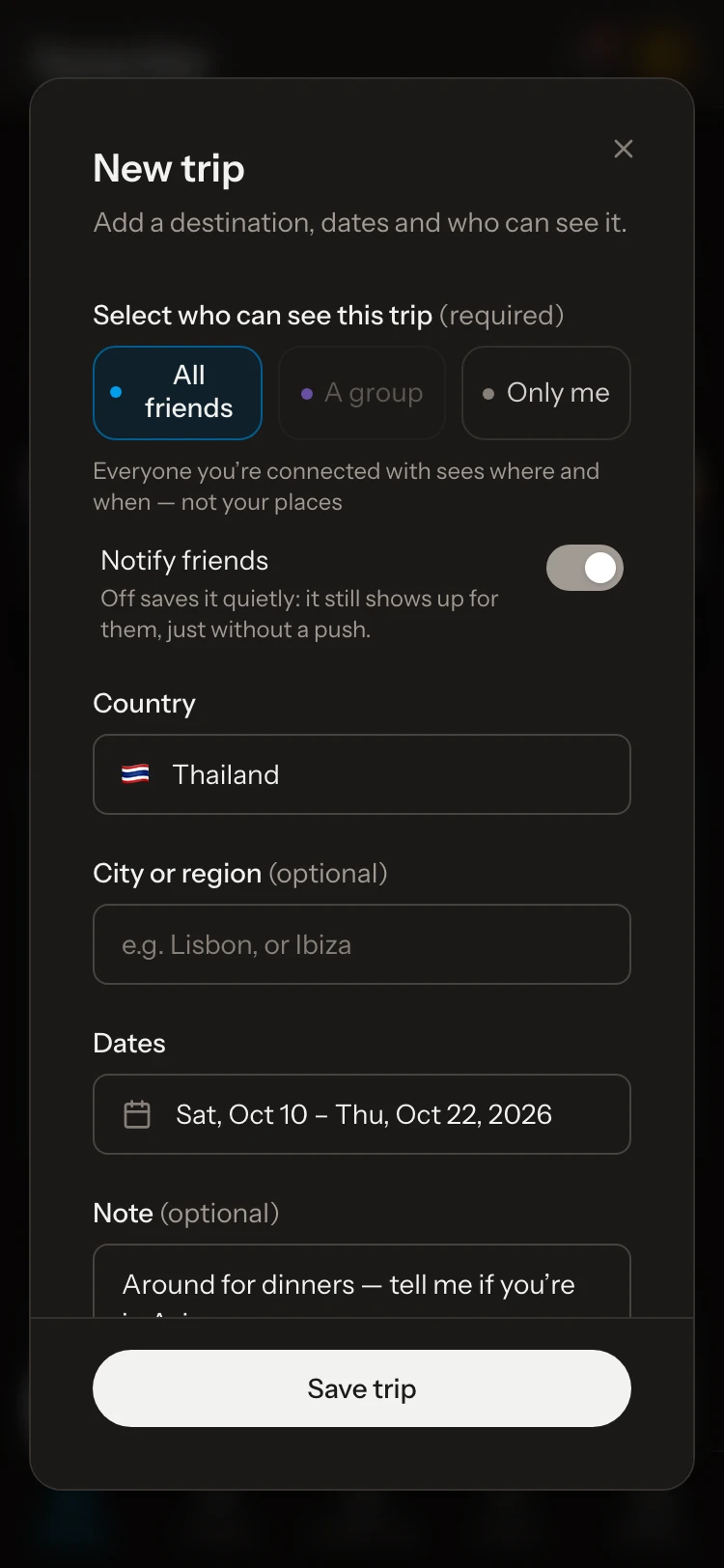
Tap + New trip and add where and when, plus a note if you like. Then select who can see it: All friends, A group or Only me. Nothing is shared until you choose.
02
See when paths cross
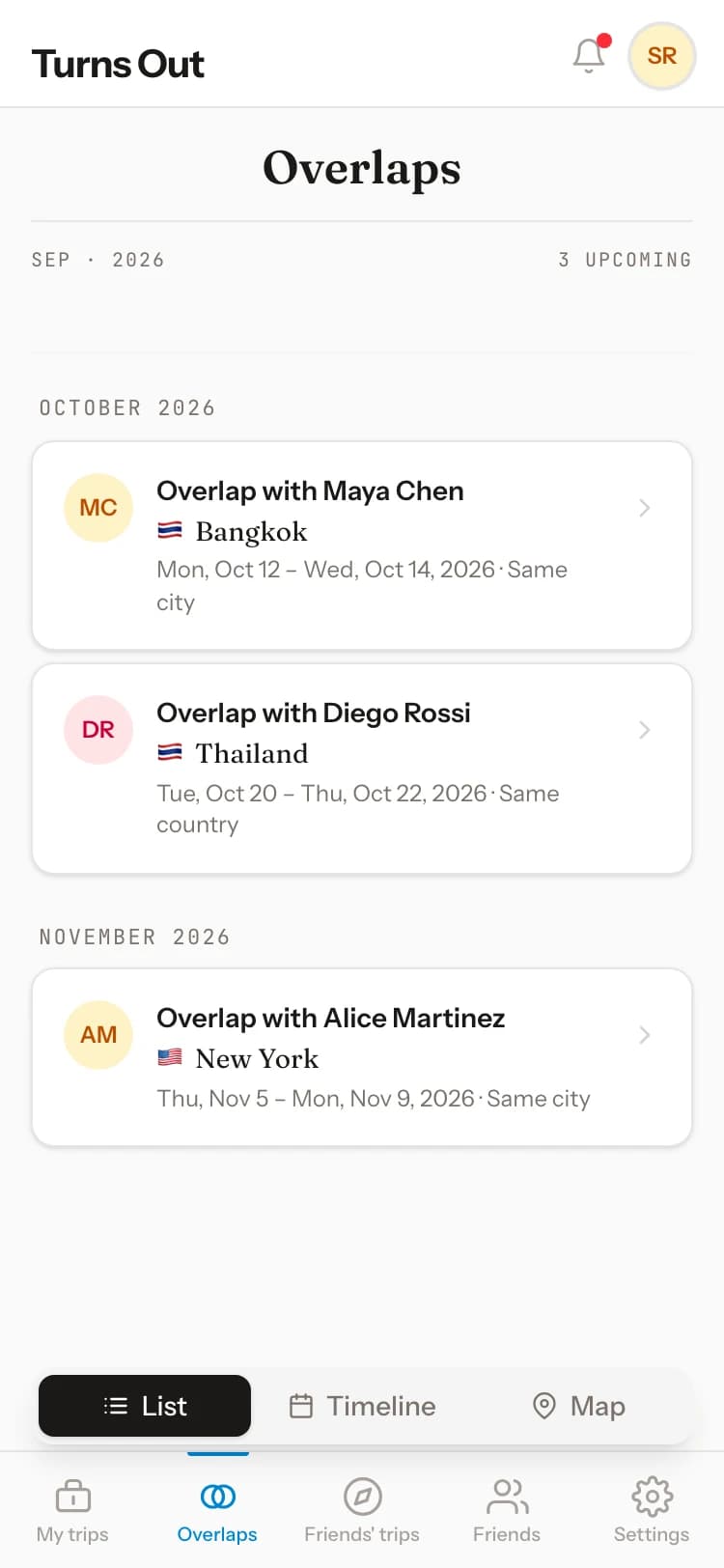
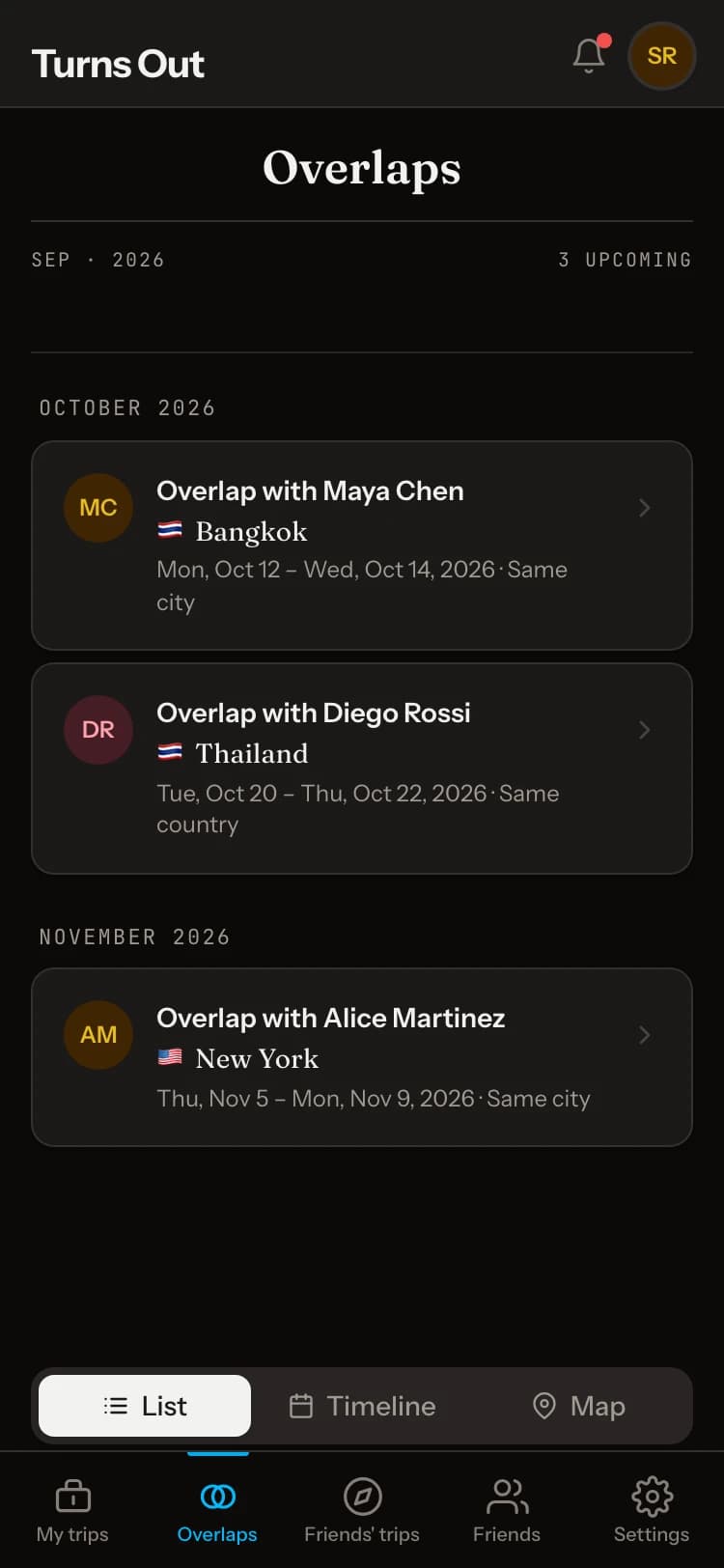
Home shows when you and a friend will be in the same city, nearby or in the same country on the same days, including on trips you’ve joined; tap through to see them all. Open one to message them.
03
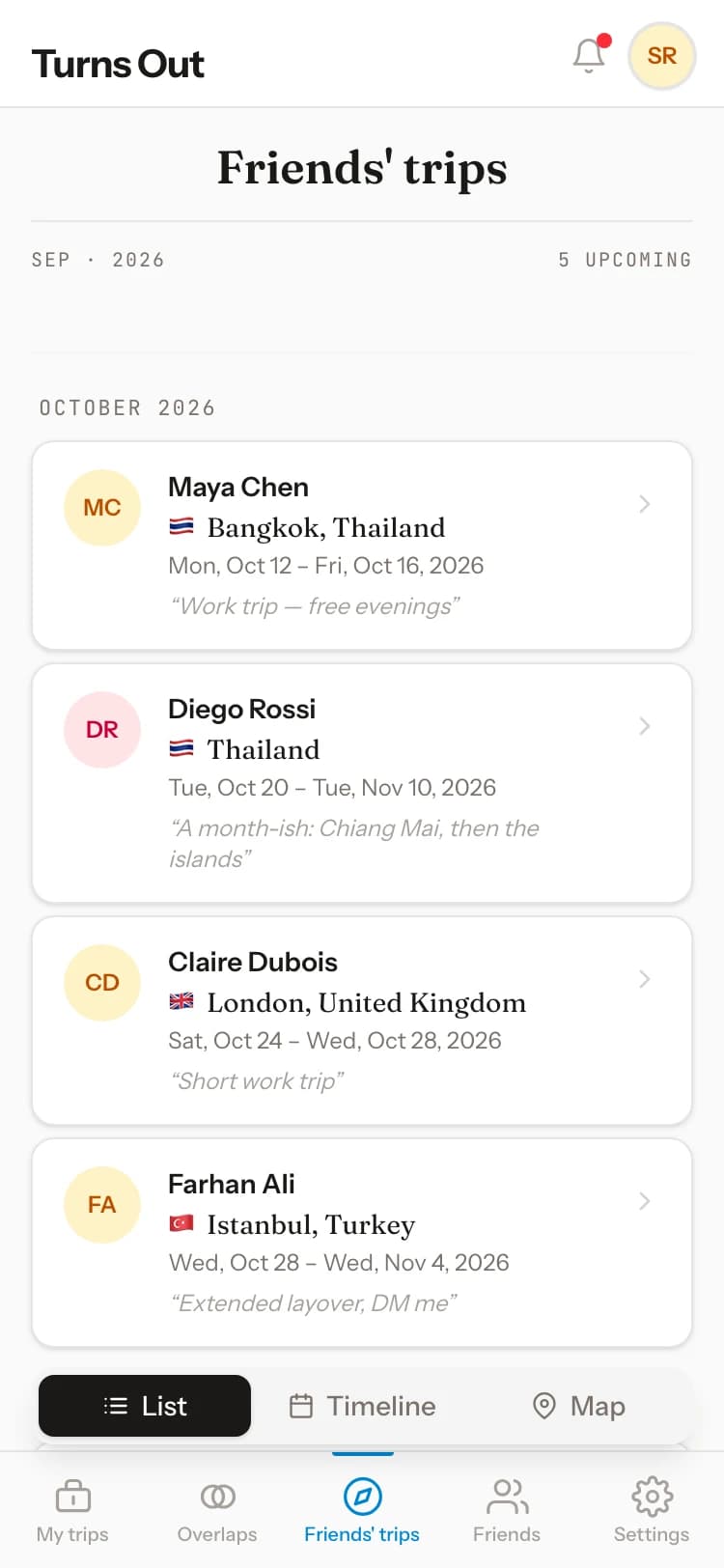
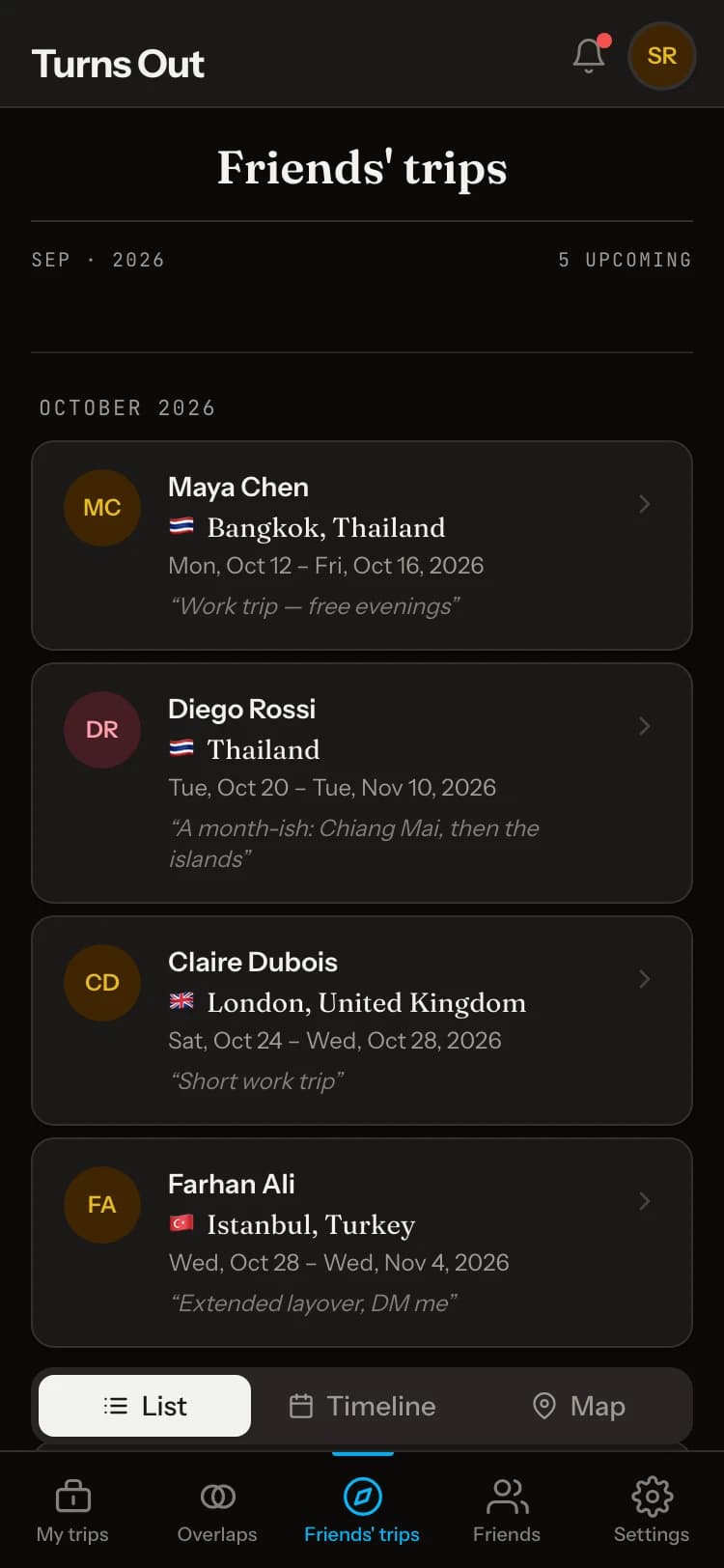
Friends’ trips
Add people on the Friends tab. Friends’ trips shows where they’re headed, including trips they’ve joined that are shared with All friends: those reach the friends of everyone on the trip.
04
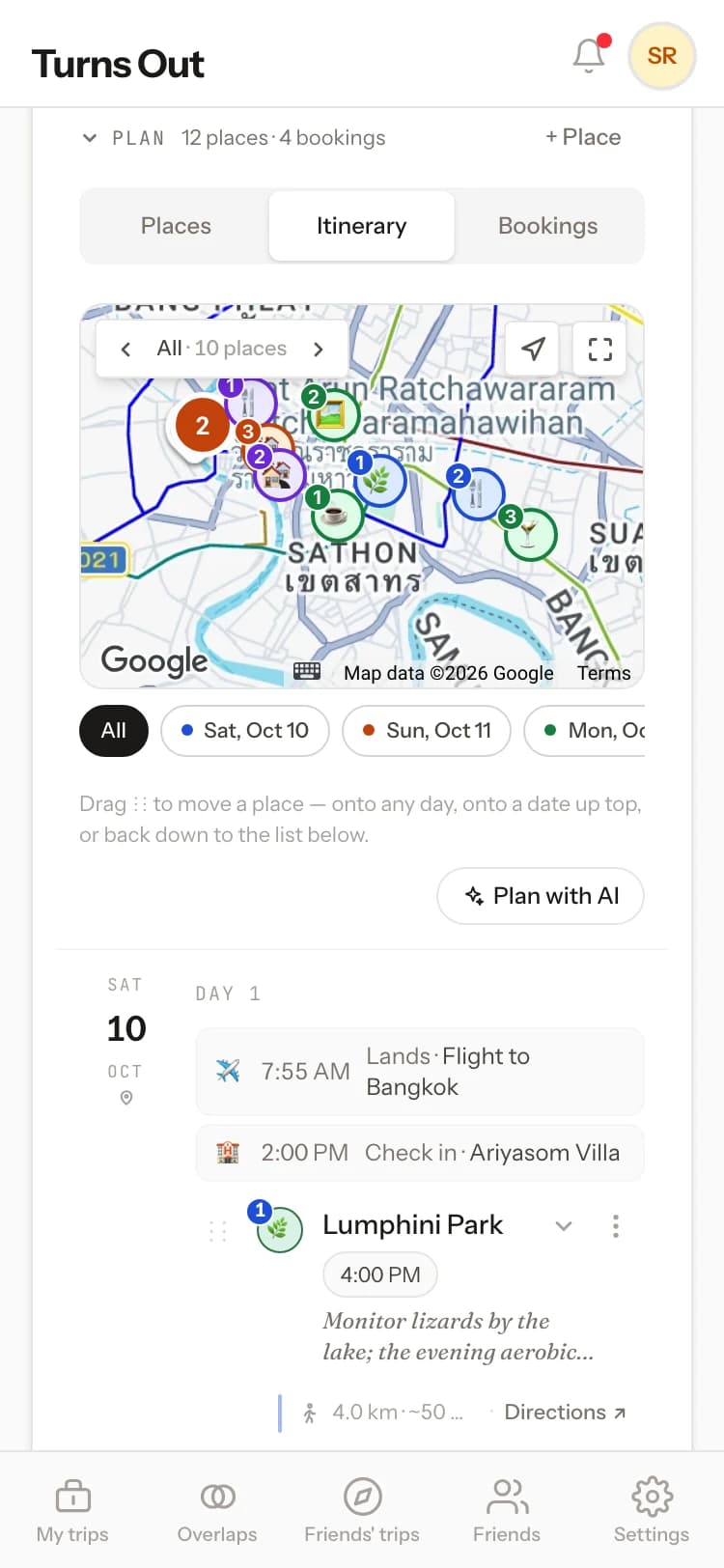
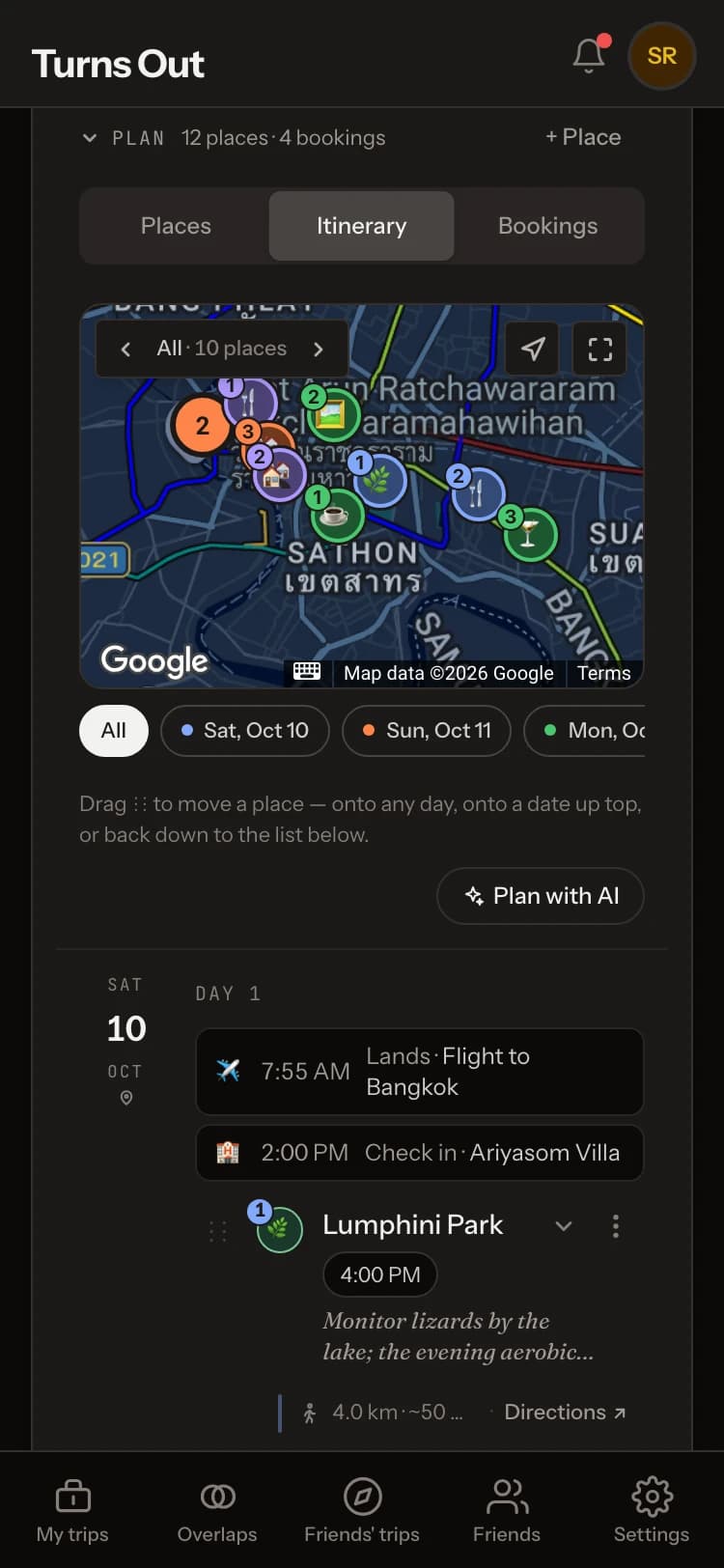
Plan the trip
Open a trip to add places, put them on days in the itinerary, and keep your bookings together. Plan with AI can plan the whole trip, arrange your places into days, suggest more places or rework your plan. It and Find bookings with AI work with the AI you already use.
05
Journeys
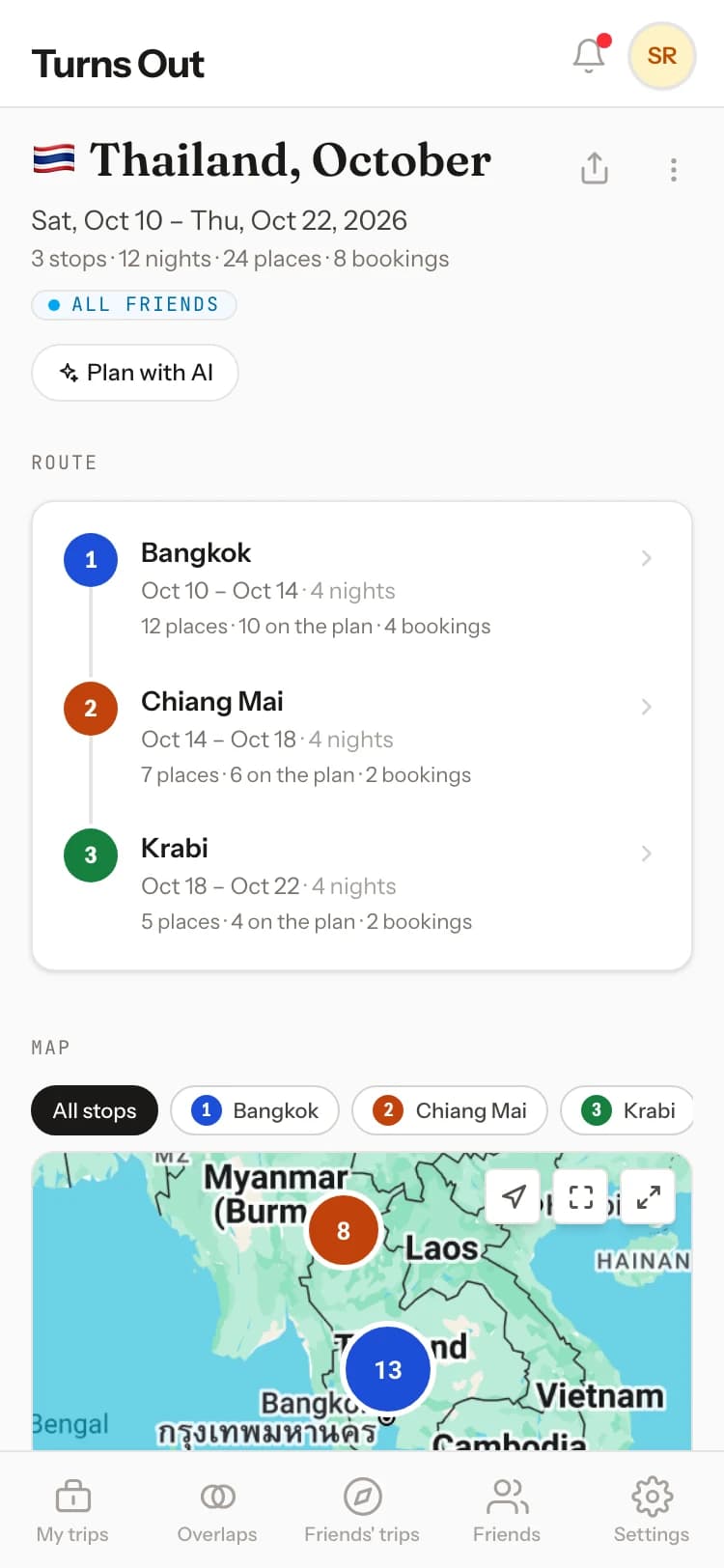
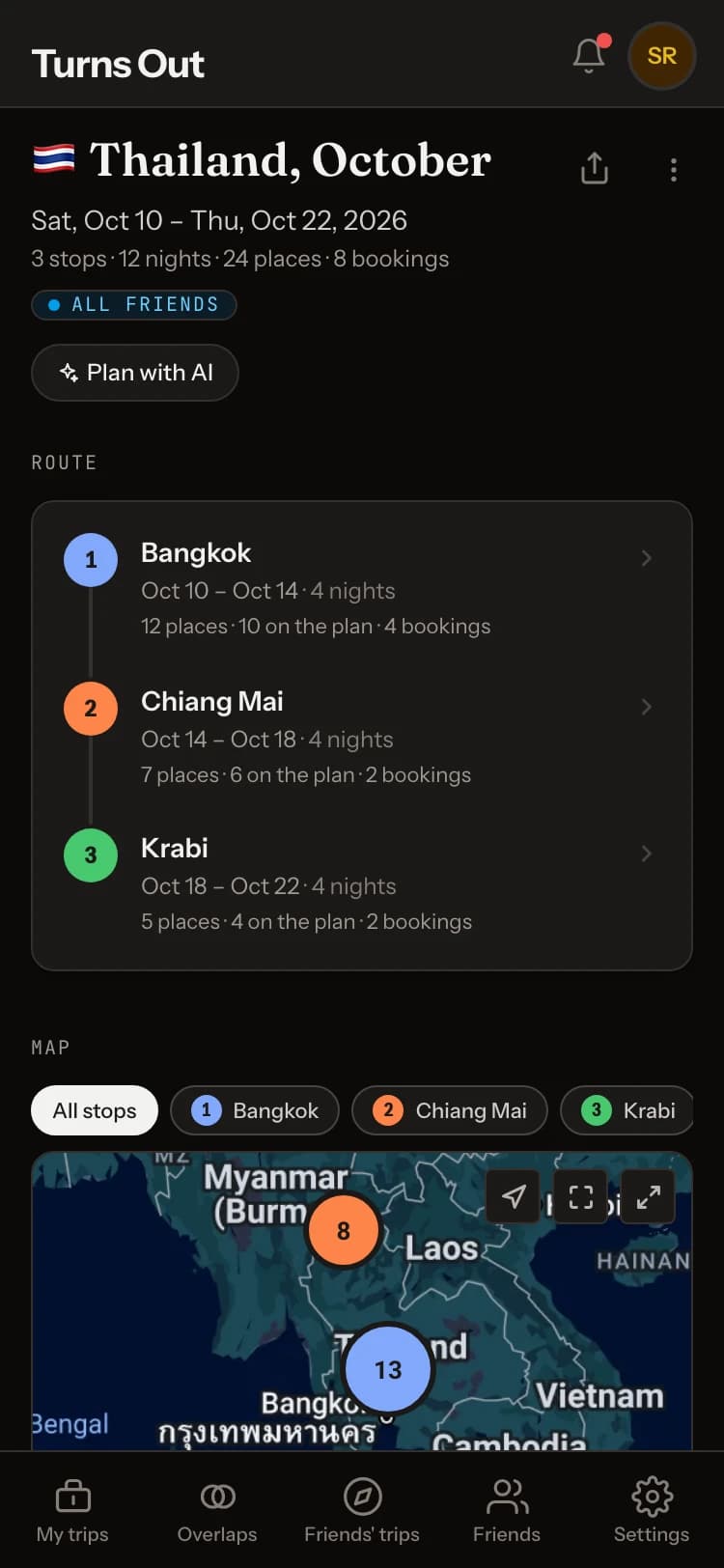
A journey is a trip with several stops, like Bangkok, then Chiang Mai, then Krabi. Each stop keeps its own dates and overlaps; the journey shows the route and every stop on one map.
06
Guides
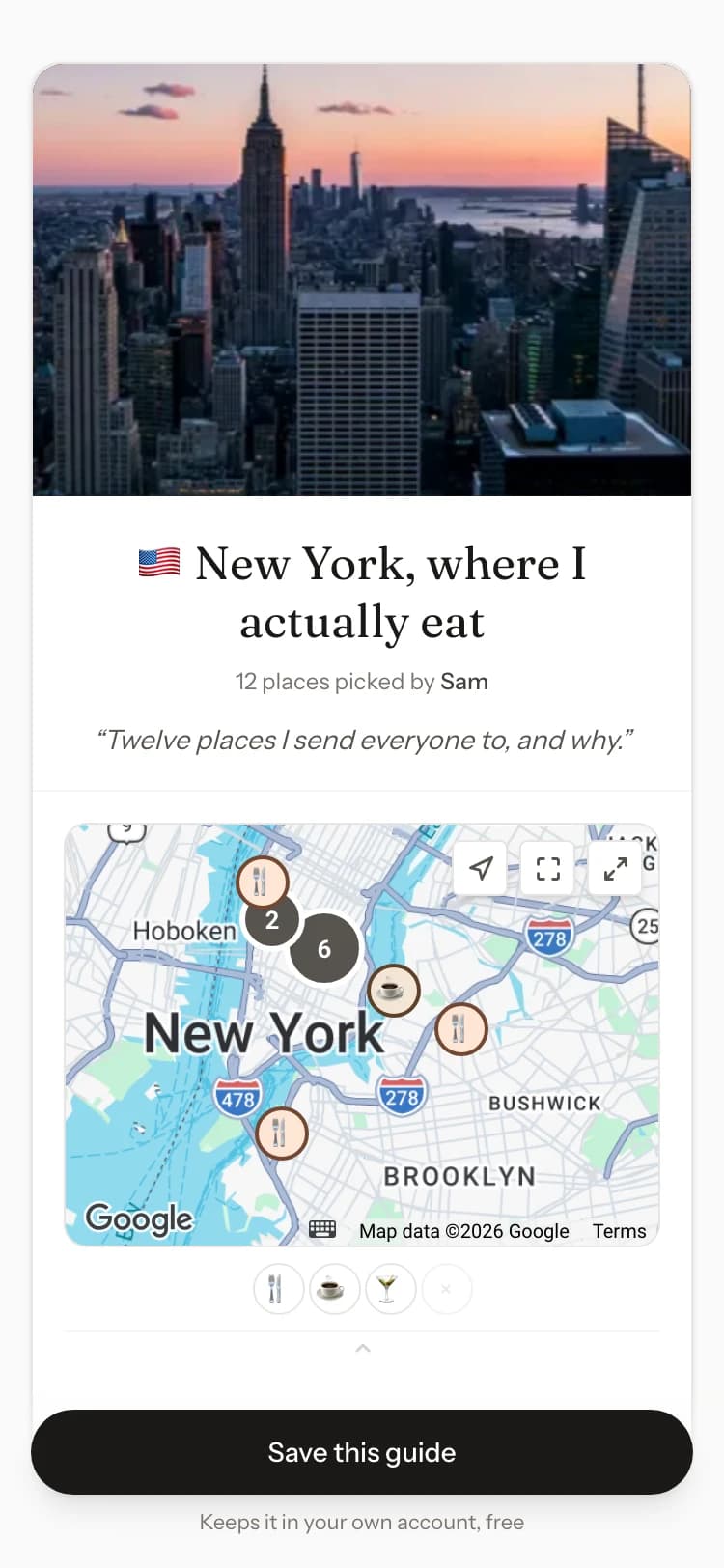
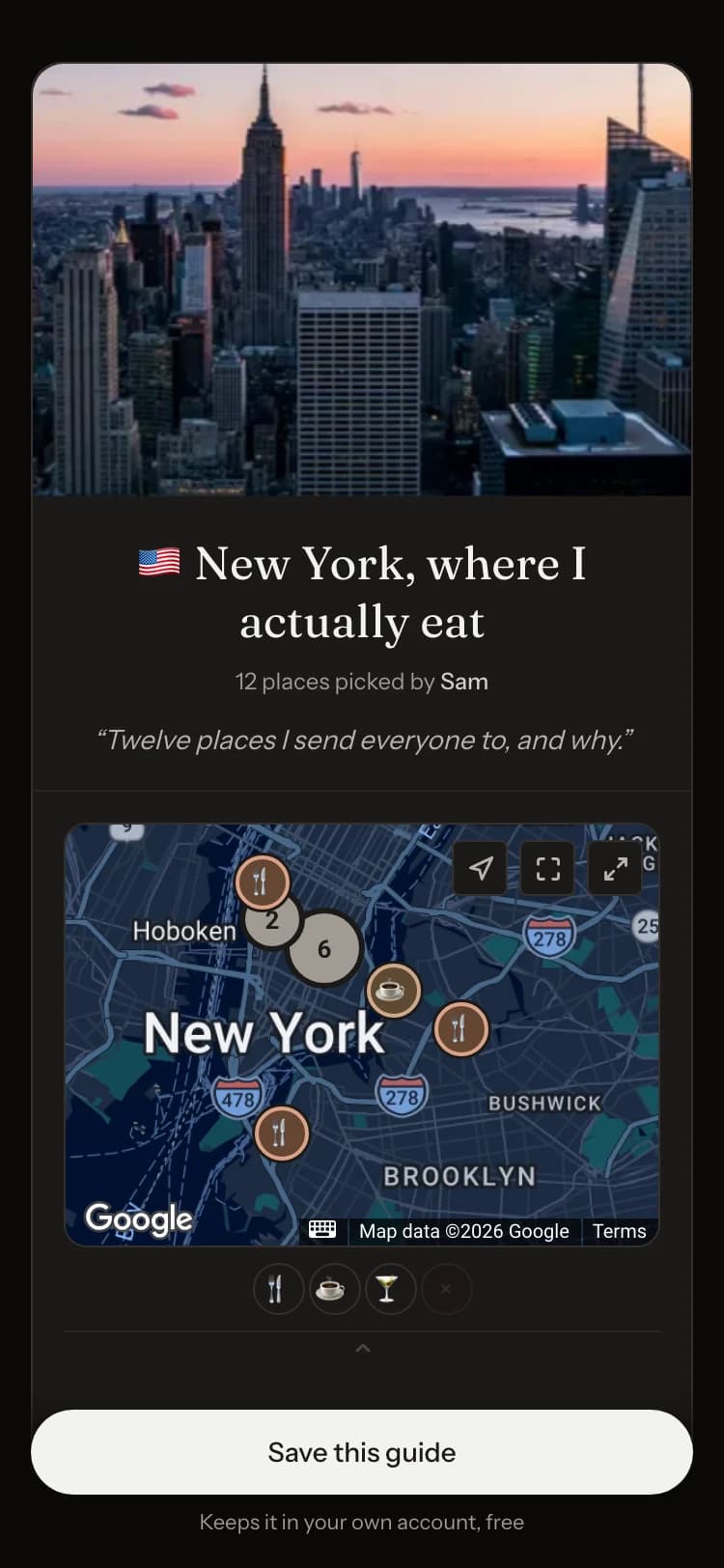
A guide is your places for a city, with a note on each and no dates. Share its link, Save a copy of a friend’s, or tap Plan a trip from this guide.
07
Share
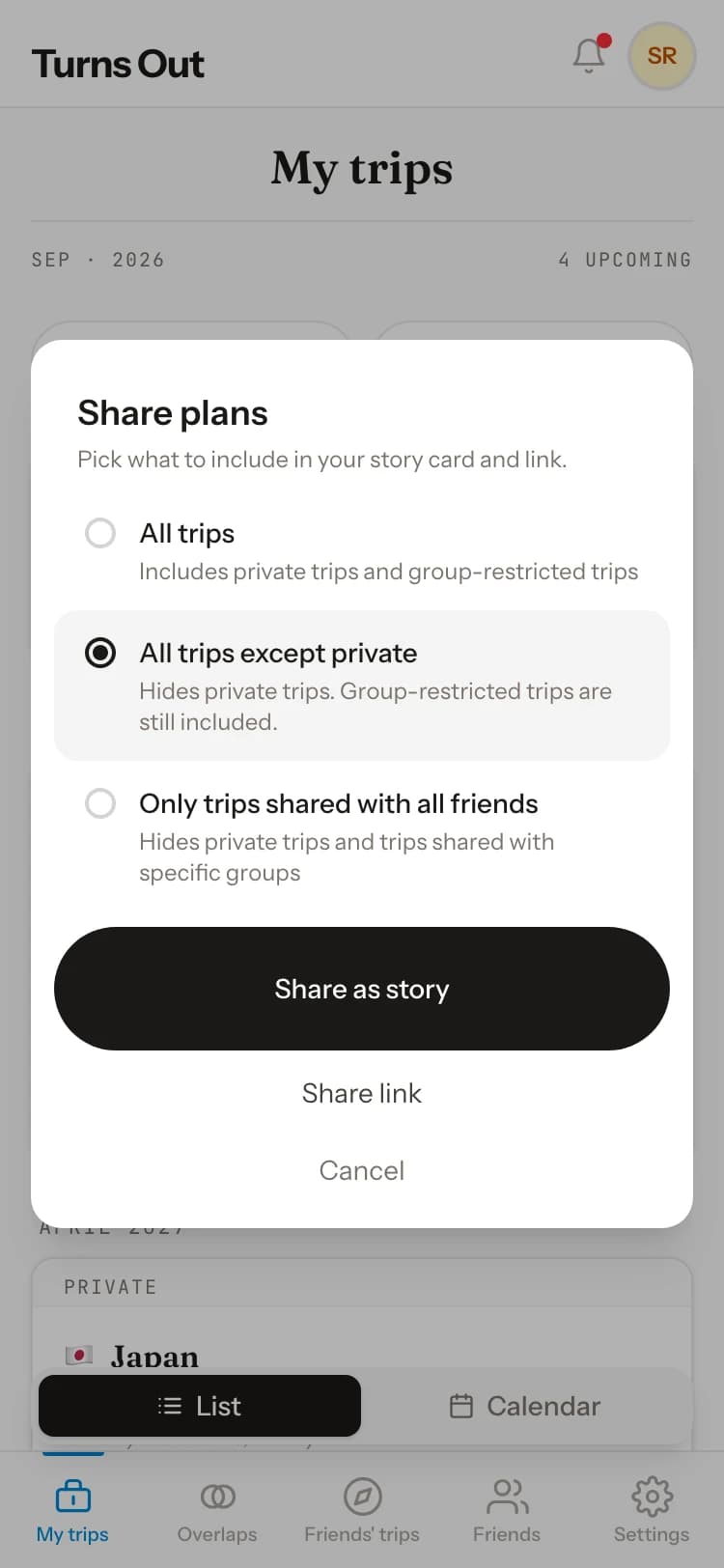
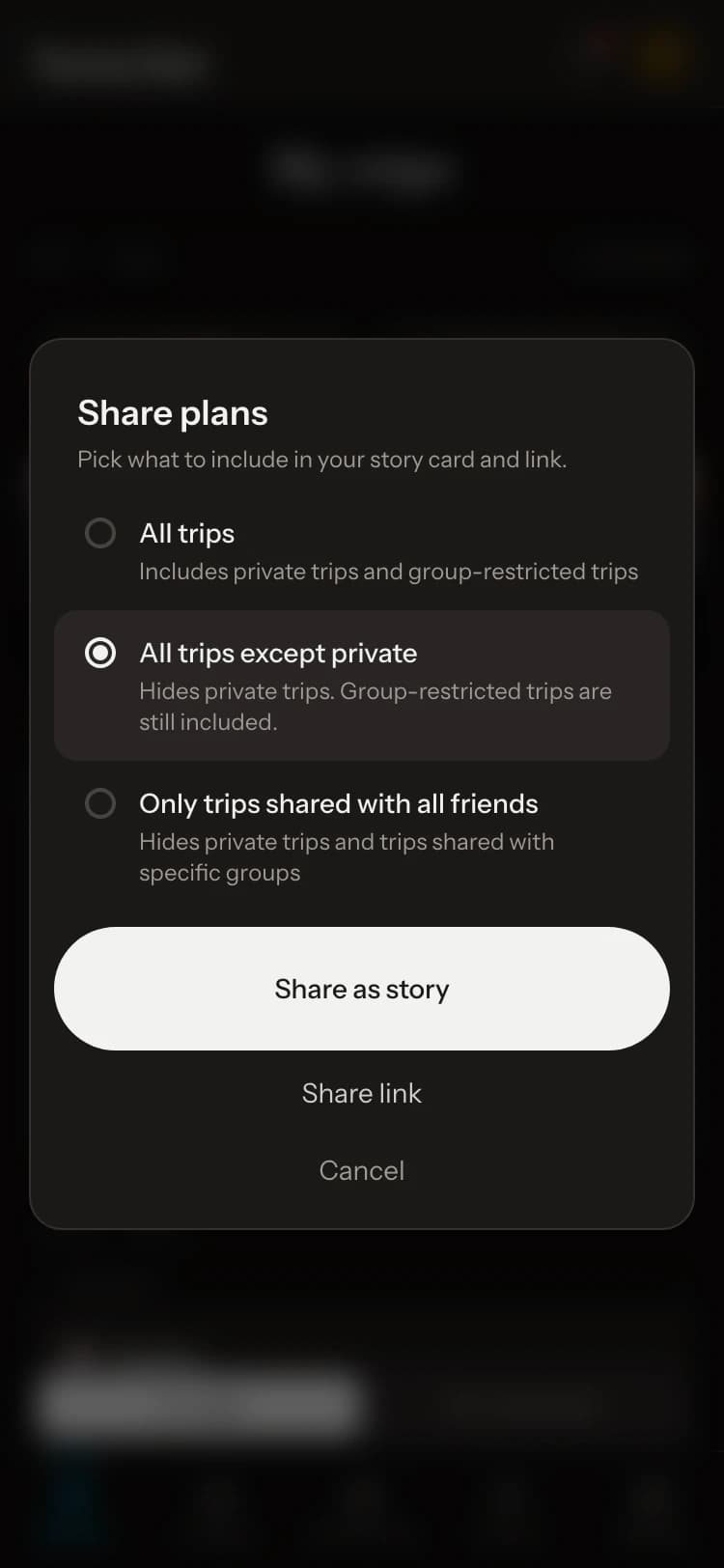
A trip’s link shows where and when to anyone who has it, never your places. It opens even for a private trip, and the app warns you first. Share plans makes a story card for Instagram.
08
Report and block
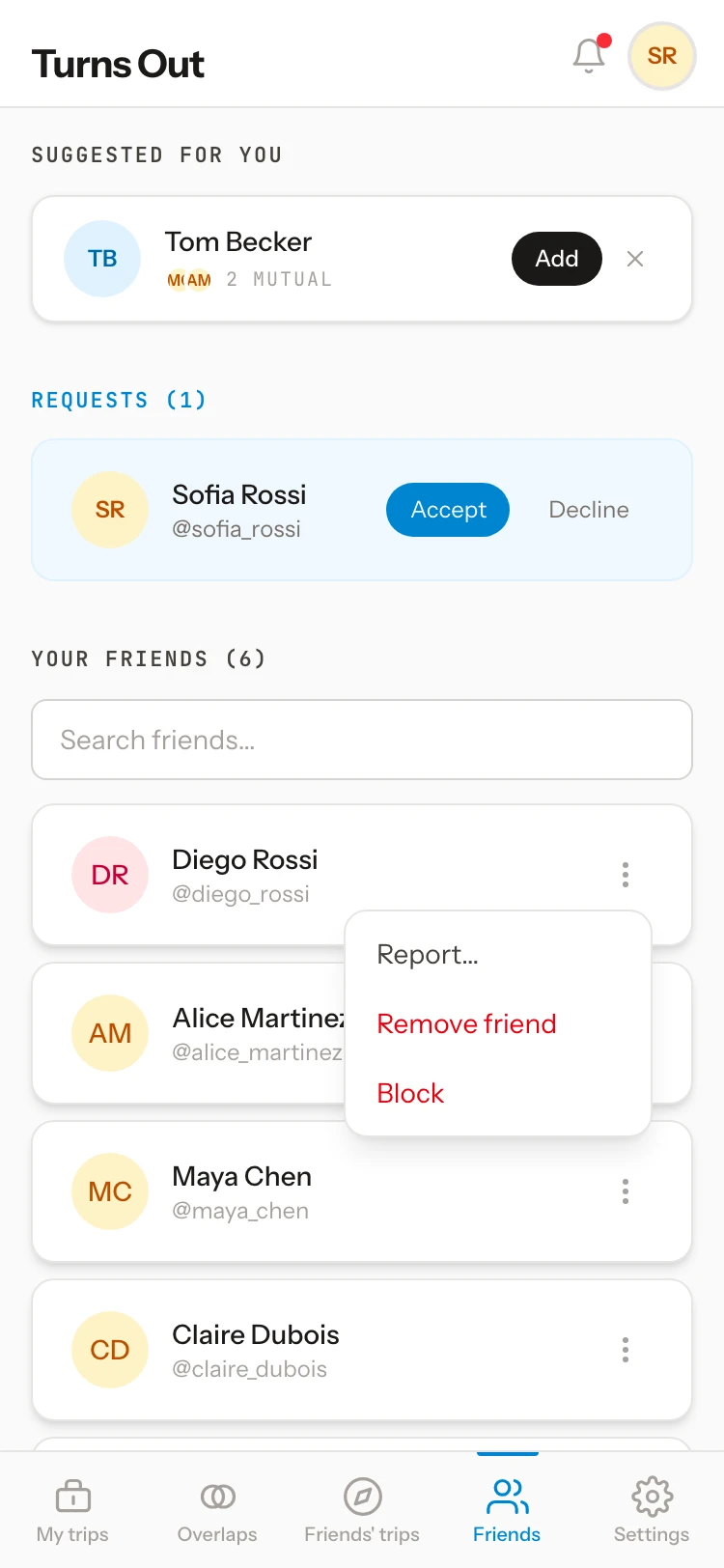
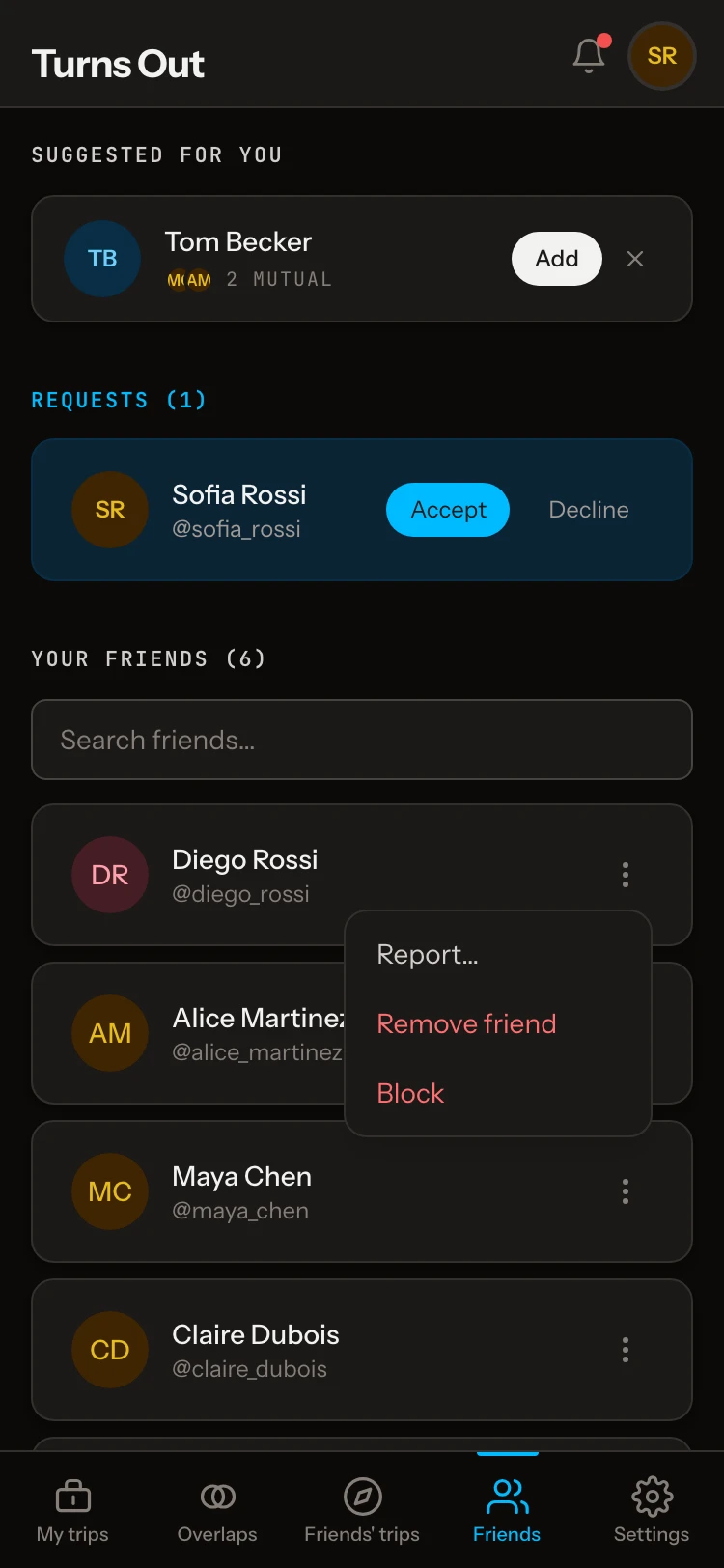
Use Report… on a friend, a comment, or someone else’s trip or guide. Block ends the friendship: they can’t see your trips and you won’t see theirs. A link they already have works until you reset it.
In the latest iPhone app
- Your upcoming trips, readable offline.
- Reminders before flights, check-ins, reservations and timed plans.
- A notice when friends are in the city you’ve just arrived in. Only the city is used.
- Share links from other apps to Turns Out, then add them to a trip.
- Where you are, on your trip and guide maps.
Something we didn’t cover?
Tell us at feedback@turnsout.app.
Create your free account